
Choosing the right microphone is one of the most misunderstood parts of building a recording setup. After working with studio vocalists, podcasters, streamers, and even live performers for years, I can confidently say this:
Most people don’t buy the wrong microphone.
They buy the wrong microphone for their specific use.
If you’re searching for how to choose a microphone, you’re already ahead of most beginners. In this guide, I’ll walk you through practical, real-world advice — not just specs copied from manufacturer websites.
By the end of this article, you’ll know exactly which microphone type suits your voice, room, budget, and purpose.
🎤 First Question: What Will You Use It For?
Before looking at brands or prices, you need clarity.
Different use cases require different microphones:
- 🎙 Podcasting
- 🎵 Singing (studio recording)
- 🎧 YouTube / Content creation
- 🎮 Gaming / Streaming
- 🎤 Live performances
- 🎬 Voice-over work
For example, I once had a client buy a high-end condenser mic for gaming — in an untreated room. It picked up keyboard clicks, fan noise, and even traffic outside. The issue wasn’t the mic. It was the wrong choice for the environment.
So step one in learning how to choose a microphone is defining your purpose clearly.
Types of Microphones (And When to Use Each)
Understanding microphone types is critical.
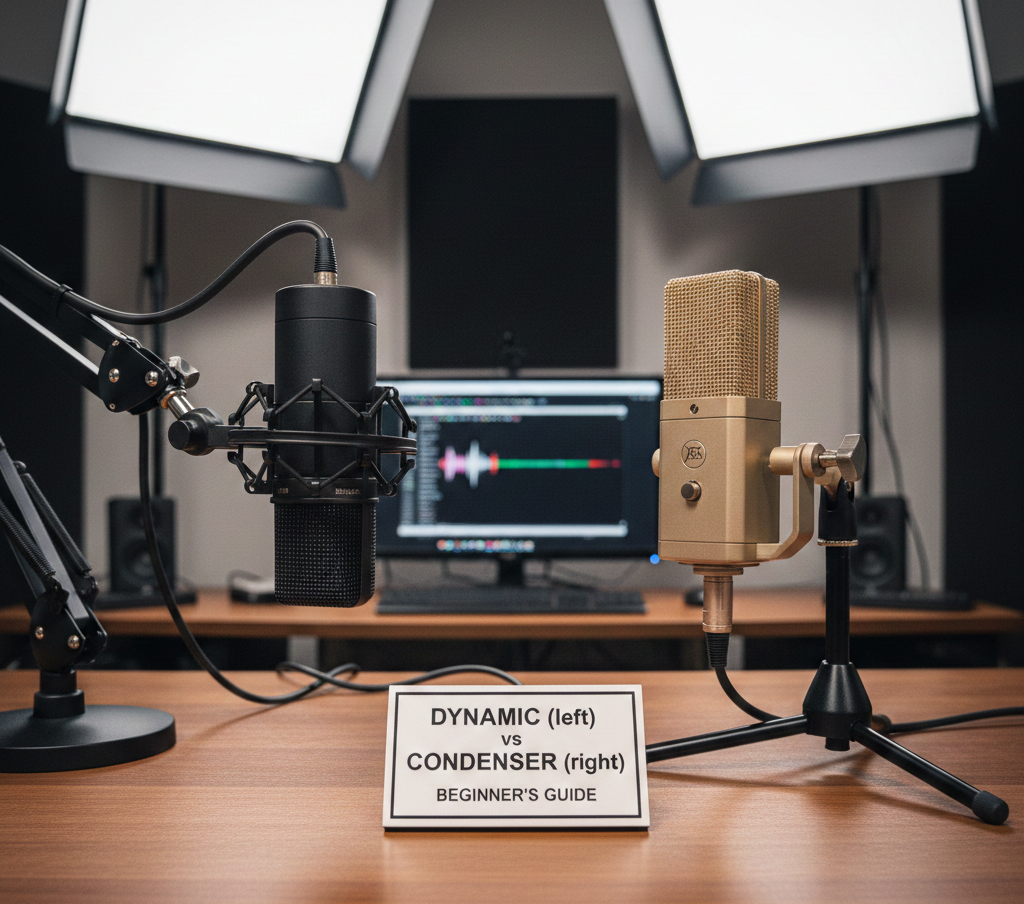
1️⃣ Dynamic Microphones
Best for:
- Podcasting
- Streaming
- Live performances
- Untreated rooms
Dynamic microphones are durable and reject background noise well. I personally recommend dynamic mics for beginners recording at home without acoustic treatment.
Why?
Because they capture what’s in front of them — not the whole room.
2️⃣ Condenser Microphones
Best for: (How to Choose a Microphone)
- Studio vocals
- Voice-over
- Acoustic instruments
Condenser microphones are highly sensitive and capture detailed audio. I’ve used condenser mics for studio vocal sessions, and the clarity difference is noticeable — but only in treated environments.
Important: They require phantom power (48V).
If your room echoes, a condenser might expose those flaws.
3️⃣ USB vs XLR Microphones
This is where many beginners get confused.
USB Microphones
- Plug directly into computer
- Easy setup
- Best for beginners
XLR Microphones
- Require audio interface
- Better long-term quality
- More control over sound
If you’re serious about audio and plan to upgrade over time, I always suggest going XLR.
Understanding Polar Patterns (Very Important)
If you really want to master how to choose a microphone, you must understand polar patterns.
🎯 Cardioid (Most Popular)
Captures sound from the front. Rejects background noise.
Best for podcasts and streaming.
🔄 Omnidirectional
Captures sound from all directions.
Good for interviews or group recordings.
🔁 Bidirectional (Figure-8)
Captures front and back.
Used in professional interview setups.
From experience, cardioid is the safest choice for 80% of users.
Room Acoustics Matter More Than the Microphone
I’ve seen people spend $500 on a mic and record in a room with bare walls.
The result? Echo.
Before upgrading your microphone, consider:
- Curtains
- Carpets
- Foam panels
- Recording in a smaller room
A $100 mic in a treated room often sounds better than a $400 mic in an untreated one.
Frequency Response – What Actually Matters?
Brands advertise wide frequency response ranges. But here’s the truth:
Human voice typically sits between:
- 85 Hz – 255 Hz (fundamental frequency)
A mic doesn’t need extreme ranges unless you’re recording instruments.
Instead, focus on: (How to Choose a Microphone)
- Warmth
- Clarity
- Noise rejection
Listen to real sound tests before buying.
Sensitivity and Background Noise
If your room has:
- Ceiling fan noise
- AC hum
- Traffic outside
Avoid highly sensitive condenser microphones.
Dynamic microphones naturally reject more room noise.
This is one of the biggest practical mistakes beginners make.
Budget – What Should You Spend?
Here’s my honest advice from years of testing gear:
- Beginner: $50–$100
- Serious creator: $100–$250
- Professional studio: $300+
Spending more doesn’t automatically mean better results.
Spend smart — not big.
Microphone for Different Scenarios
🎙 For Podcasting
Dynamic cardioid microphone
Pop filter
Boom arm
🎵 For Singing
Condenser microphone
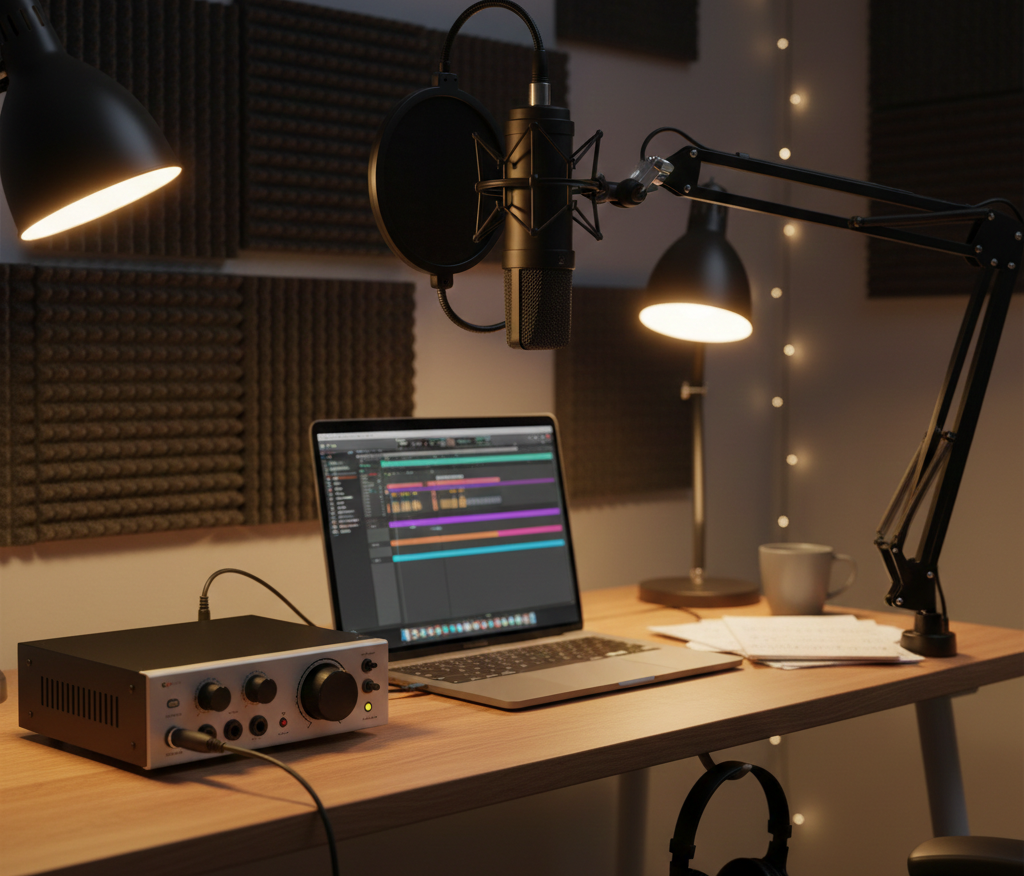
Audio interface
Treated room
🎮 For Gaming
Dynamic USB mic (simple & clean)
🎬 For Voice Over
Condenser mic in treated space
XLR preferred
Should You Buy a Popular Microphone?
Not always.
Popular doesn’t mean suitable.
I’ve tested “viral” microphones that sounded average in untreated spaces. Always check:
- Sound tests
- Room compatibility
- Upgrade path
Accessories You Shouldn’t Ignore
When learning how to choose a microphone, also consider:
- Pop filter (reduces plosive sounds)
- Shock mount (reduces vibrations)
- Boom arm (better positioning)
- Audio interface (for XLR)
Sometimes accessories improve sound more than upgrading the mic itself.
Common Mistakes Beginners Make
- Buying condenser mic in noisy room
- Ignoring polar pattern
- Not using pop filter
- Recording too far from mic
- Expecting studio sound without room treatment
Avoid these and your audio quality will dramatically improve.
Final Verdict: How to Choose a Microphone the Right Way
If I had to simplify everything:
- Define your purpose
- Analyze your room
- Choose dynamic or condenser wisely
- Decide USB or XLR
- Don’t overspend unnecessarily
Choosing the right microphone is about compatibility — not price.
Also Read : Latest Article
The best microphone is the one that matches your voice, room, and workflow.
Frequently Asked Questions (FAQs)
1. Which microphone is best for beginners?
A cardioid dynamic USB microphone is ideal for beginners recording in untreated rooms.
2. Is condenser microphone better than dynamic?
Not always. Condenser is more detailed but requires controlled environment.
3. Do I need an audio interface?
Only if you choose an XLR microphone. USB mics do not require one.
4. What is the best microphone for podcasting?
A dynamic cardioid microphone is typically best for podcasting in home setups.
5. How much should I spend on a microphone?
Beginners can start around $100. Upgrade based on experience and need.
If you follow this guide carefully, you won’t just buy a microphone — you’ll buy the right microphone.
And that’s the real difference.