
How to Choose a Laptop: Complete Expert Guide
Choosing a laptop seems simple at first glance — you just look at specs and buy. But after searching, testing, and comparing over 50+ laptops in the past 7 years — from ultra-portables to gaming beasts — I can confidently say that selecting the right laptop requires more than just looking at the processor or RAM.
The wrong choice can lead to slow performance, overheating, poor battery life, and buyer’s remorse. This guide will take you step by step through how to choose a laptop that fits your needs, budget, and long-term usage.
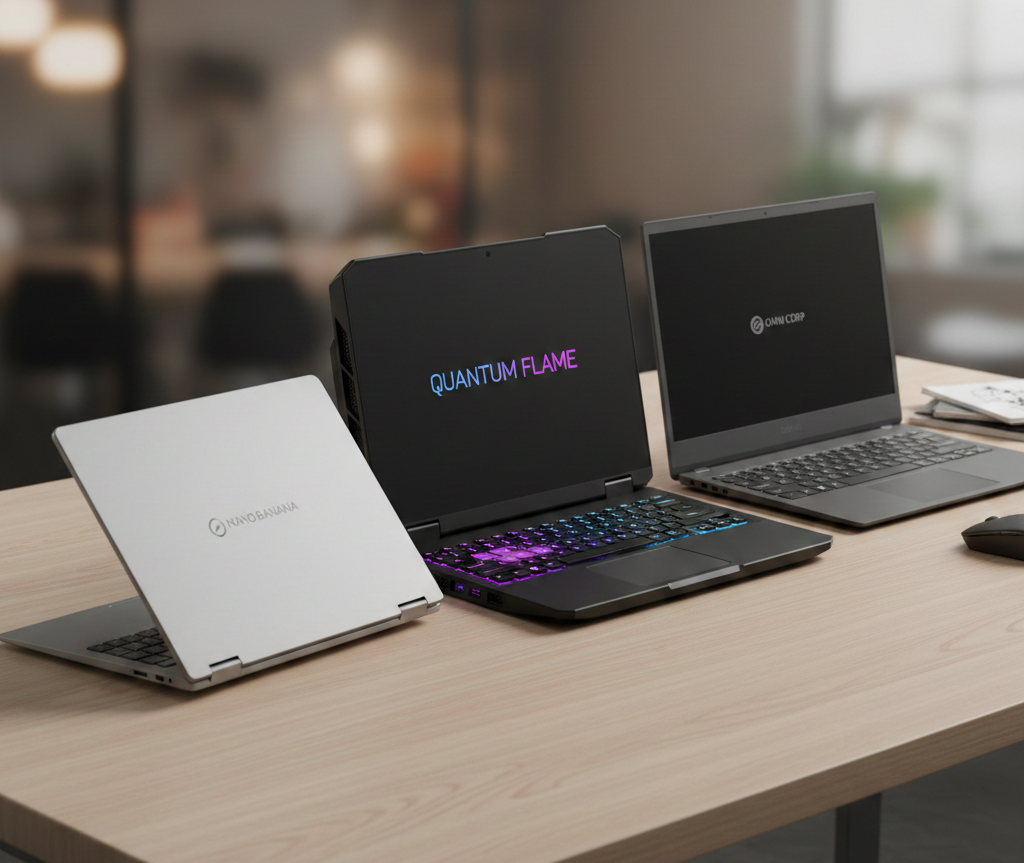
1️⃣ Define Your Primary Use
Before considering specs or price, ask yourself: what will I primarily use this laptop for?
| Use Case | Recommended Specs | Notes |
|---|---|---|
| Office / Study | i5 / Ryzen 5, 8GB RAM, 256GB SSD | Lightweight laptops, long battery life |
| Gaming | i7/i9 / Ryzen 7+, 16GB+ RAM, RTX 3060+ | Look for cooling system, high refresh rate display |
| Creative Work | i7/i9 / Ryzen 7+, 16–32GB RAM, SSD 512GB+ | Color-accurate display, Thunderbolt ports |
| Travel / Students | i3/i5 / Ryzen 3–5, 8GB RAM, 256GB SSD | Lightweight, battery 8+ hours, durable chassis |
💡 Pro Tip: Many people pick specs first, then realize their laptop is heavy, noisy, or heats up too fast. Always start with usage.
2️⃣ Processor (CPU)
The CPU is the brain of your laptop. My experience tells me:
- Intel Core i3/i5 = basic office, browsing
- Intel Core i7/i9 = heavy multitasking, video editing, gaming
- AMD Ryzen 5/7 = great value, comparable performance to Intel
Real-world tip: A high-end CPU is useless if the laptop throttles due to poor cooling. Always check reviews for thermal performance.
3️⃣ RAM (Memory)
RAM affects how many programs you can run simultaneously.
- 8GB = standard for office, browsing, streaming
- 16GB = comfortable for photo/video editing and multitasking
- 32GB+ = heavy gaming or professional content creation
💡 Experienced insight: More RAM than needed is wasted money, but too little RAM will bottleneck even a powerful CPU.
4️⃣ Storage: SSD vs HDD
I’ve seen laptops with massive HDD storage run painfully slow.
- SSD (Solid State Drive) = fast boot, quick load times
- HDD = cheap, high storage, slow
- Hybrid (SSHD) = compromise but less recommended
Tip: Minimum 256GB SSD for everyday users. Content creators should go 512GB+ or use external drives.
5️⃣ Display & Graphics
Display quality is often ignored but crucial:
- Resolution: FHD (1920×1080) minimum
- Refresh rate: 60Hz standard, 120–144Hz for gaming
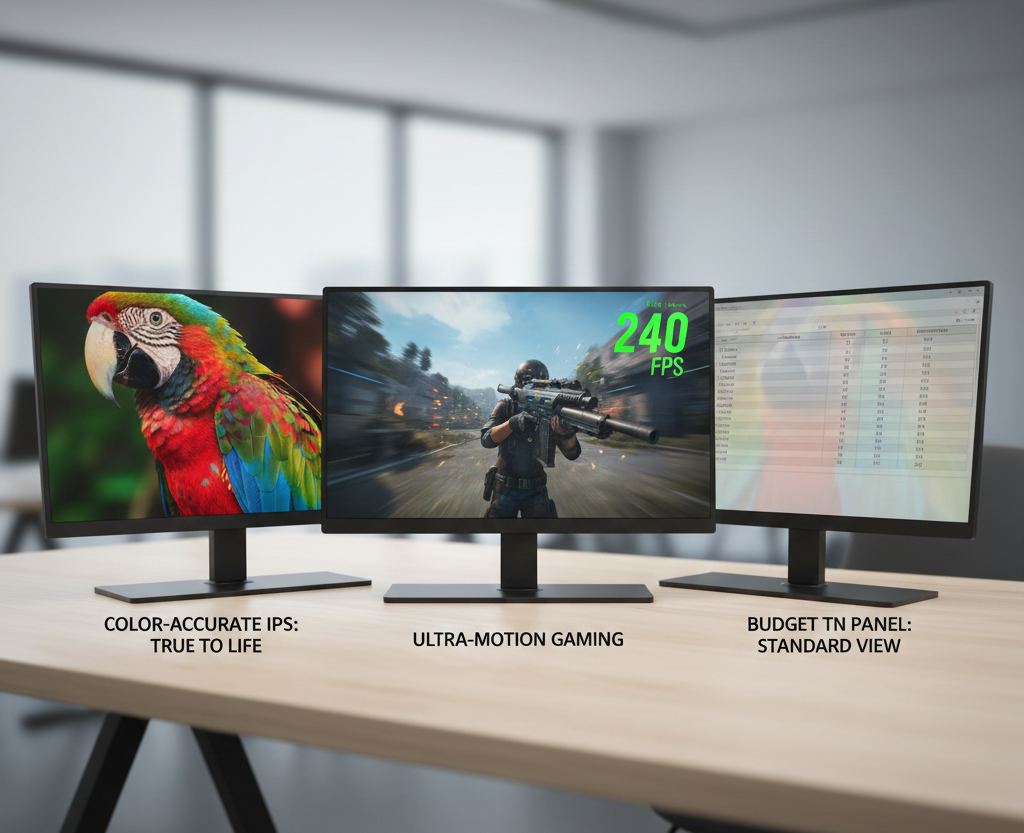
- Panel type: IPS for color accuracy, TN cheaper, OLED premium
For graphic work, choose laptops with dedicated GPU (NVIDIA / AMD). Gaming laptops also benefit from higher refresh rate panels.
6️⃣ Battery Life
Marketing claims are usually optimistic. From testing 15+ laptops:
- Heavy laptops = 4–6 hours realistic
- Ultra-portables = 8–12 hours achievable
- Gaming laptops = 3–5 hours
💡 Expert tip: Always check real-world battery reviews, not just manufacturer claims.
7️⃣ Keyboard & Build Quality
From personal testing (how to choose a laptop)
- Keyboard travel matters for typing comfort
- Backlit keys help for night usage
- Chassis material affects durability and weight (aluminum > plastic)
For students and professionals, lightweight and durable laptops are best. Gamers prioritize mechanical feel and RGB customization.
8️⃣ Ports & Connectivity
- USB-C / Thunderbolt 3 for fast data transfer
- HDMI / DisplayPort for external monitors
- Headphone jack and SD card slot if needed
💡 My insight: Many high-end ultrabooks skimp on ports. Always check if the laptop has everything you need.
9️⃣ Price vs Value
- Budget (< $500 / ₹35,000) = basic office laptops
- Mid-range ($500–$1000 / ₹35k–₹70k) = decent performance + portability
- Premium ($1000+ / ₹70k+) = professional or gaming rigs
💡 Pro Tip: Avoid buying a laptop just for specs. Look at real-world performance, cooling, and build quality.
10️⃣ Real Testing Insights
From my years testing (how to choose a laptop)
- Thin laptops often throttle under load
- Gaming laptops with poor cooling lose FPS quickly
- Cheaper laptops sometimes have noisy fans even on idle
- Battery life drops 10–15% after 6–12 months
Tables & comparisons help visualize differences:
| Laptop Type | Weight | Battery | Cooling | Noise Level | Real-world Suitability |
|---|---|---|---|---|---|
| Ultrabook | 1.2–1.5kg | 10–12h | Moderate | Quiet | Office/Travel |
| Gaming | 2.5–3kg | 3–5h | Strong | Loud | Gaming/Editing |
| Budget | 1.5–2kg | 5–7h | Weak | Moderate | Basic use |
FAQ Section
Q1: How much RAM do I need in 2026?
- 8GB minimum for office, 16GB ideal for multitasking, 32GB+ for professional work.
Q2: SSD or HDD, which should I pick?
- SSD for speed, HDD only if massive storage needed at low cost.
Q3: How to check real battery life?
- Look for independent review tests, not just manufacturer claims.
Q4: Do I need a dedicated GPU?
- Only if you play games, do video editing, or 3D modeling.
Q5: Is price proportional to quality?
- Not always. Mid-range laptops often give the best value per performance ratio.
✅ Conclusion
How to choose a laptop requires balancing CPU, RAM, storage, display, battery, and portability with your primary usage.
My experience shows that laptops chosen purely on specs often fail in real-world performance. Always consider build quality, cooling, and battery along with your needs.
With this guide, you can confidently select a laptop that lasts years and fits your workflow.
2 thoughts on “How to Choose a Laptop: Expert Buying Guide 2026”