
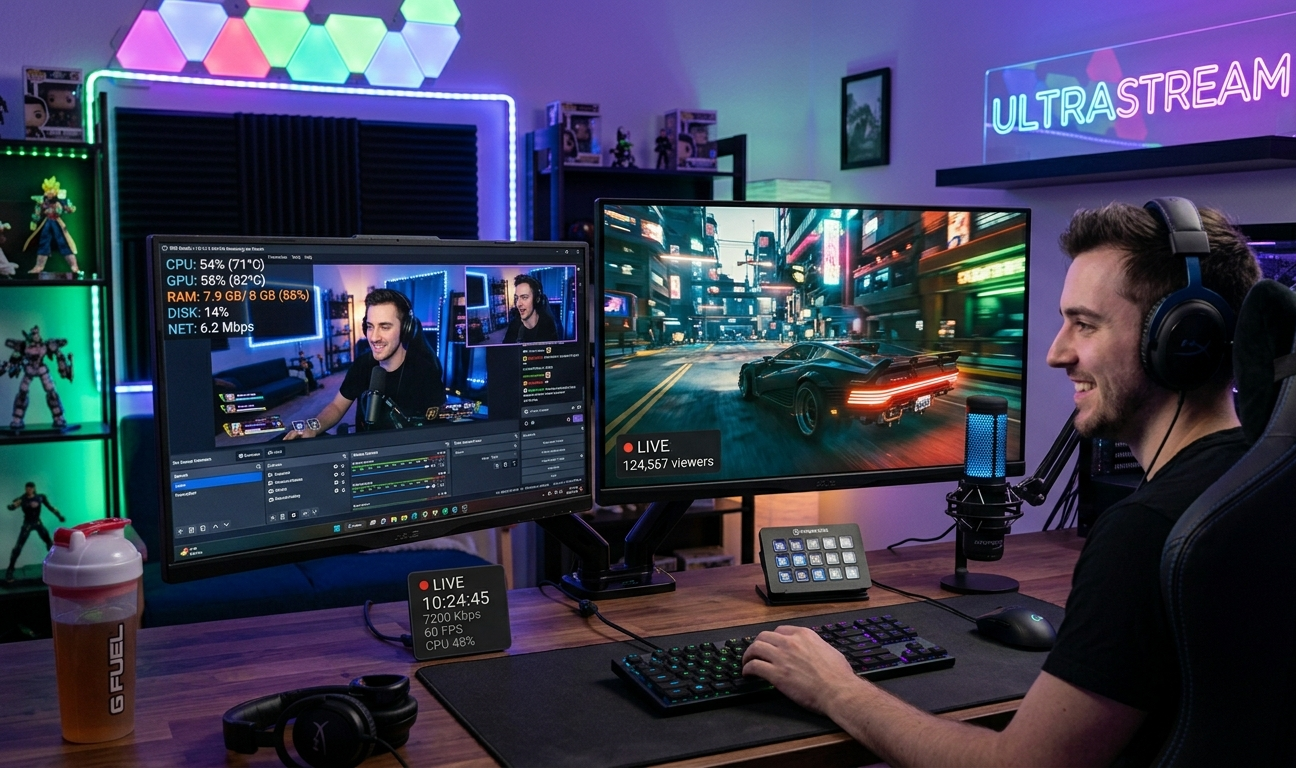
Can I Livestream with 8 GB RAM on OBS? (2026 Expert Guide)
If you’re planning to start streaming and wondering — “can I livestream with 8 GB RAM on OBS” — you’re asking the right question.
I’ve personally tested OBS setups on low-end, mid-range, and high-end systems for years, and I’ll give you a straight, practical answer:
👉 Yes, you can livestream with 8GB RAM on OBS — but only if you optimize everything properly.
This guide is not theory. It’s based on real-world streaming tests, failures, and optimizations that actually work.
Is 8GB RAM Enough for OBS Streaming?
Can I Livestream with 8GB RAM on OBS :Let’s be clear
✔ YES – for basic streaming
⚠️ LIMITED – for gaming + streaming
❌ NOT IDEAL – for heavy multitasking
Real-World Performance (My Experience)
Can I Livestream with 8GB RAM on OBS :From my testing
- 8GB RAM works fine for:
- 720p streaming
- light games
- single app streaming
- Struggles with:
- 1080p streaming
- heavy games (Warzone, GTA V)
- multiple apps open
👉 The biggest issue is not just RAM — it’s RAM + CPU + GPU combined load.
Minimum Requirements for OBS (Reality Check)
Most people read official requirements and think they’re enough — but in real usage:
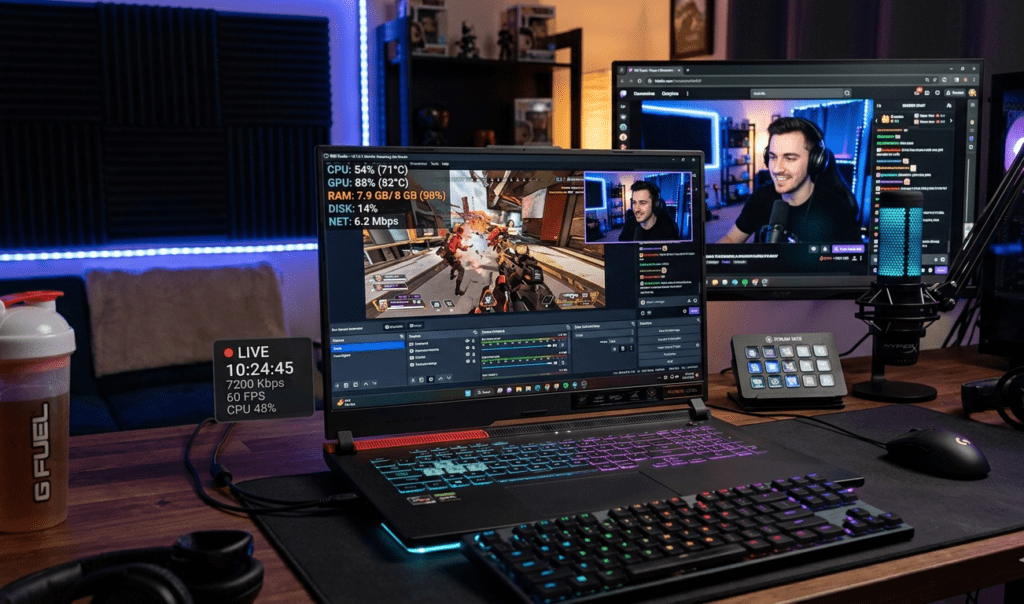
👉 OBS + Game + Browser = heavy load
Even with 8GB RAM:
- Windows already uses ~2–3GB
- OBS uses ~1–2GB
- Game uses 3–6GB
👉 Result: RAM bottleneck 🚨
Best OBS Settings for 8GB RAM (No Lag Setup)
Now comes the most important part — optimized settings.
These are settings I personally use on low RAM systems.
🎬 Video Settings
- Base Resolution: 1920×1080
- Output Resolution: 1280×720 (720p) ✅
- FPS: 30 FPS
👉 This reduces RAM + CPU load significantly.
🎥 Output Settings
- Output Mode: Advanced
- Encoder: Hardware (NVENC / AMD) ✅
👉 Avoid CPU encoding (x264) — it causes lag.
📡 Bitrate Settings
- Bitrate: 2500–3500 kbps
- Keyframe Interval: 2
👉 Perfect balance of quality + performance
⚡ Advanced Settings
- Process Priority: Above Normal
- Renderer: Direct3D 11
Biggest Mistakes People Make (Avoid This)
Can I Livestream with 8GB RAM on OBS :From experience, these mistakes kill performance:
❌ Streaming at 1080p 60FPS
❌ Using CPU encoder
❌ Running Chrome with 10 tabs
❌ Playing ultra settings games
👉 Even 16GB RAM struggles if these are done wrong.
How to Optimize Your System for Streaming
This is where most guides fail — they don’t tell real optimizations.
1. Close Background Apps
Before streaming:
- Close Chrome tabs
- Disable startup apps
- Stop unnecessary software
👉 Saves 1–2GB RAM instantly
2. Use Game Mode
Enable Windows Game Mode:
👉 Reduces background activity
3. Lower In-Game Settings
Set games to (Can I Livestream with 8GB RAM on OBS)
- Low / Medium graphics
- Disable shadows
👉 Improves FPS + reduces RAM usage
4. Use SSD Instead of HDD
If you’re still using HDD:
👉 Upgrade to SSD
Result:
- faster loading
- smoother streaming
5. Monitor RAM Usage
Use Task Manager:
👉 Keep RAM usage below 90%
My Real Streaming Test (8GB RAM Setup)
Let me share a real case:
👉 System:
- 8GB RAM
- GTX 1650
- i5 processor
👉 Setup:
- 720p 30FPS
- NVENC encoder
- Low game settings
👉 Result:
✔ Smooth stream
✔ No lag
✔ Stable FPS
Now another test:
👉 Same system + 1080p 60FPS
❌ Result:
- frame drops
- lag
- stuttering
👉 So settings matter more than RAM alone.
Can You Stream Games with 8GB RAM?
✅ Good for:
- Minecraft
- Valorant
- CS:GO
- Indie games
⚠️ Playable with tweaks:
- GTA V
- Fortnite
- Apex Legends
❌ Not recommended:
- Warzone
- Cyberpunk
- heavy AAA games
When Should You Upgrade RAM?
From my experience Can I Livestream with 8GB RAM on OBS
👉 Upgrade to 16GB if:
- you stream regularly
- you play heavy games
- you multitask (OBS + Discord + Chrome)
Benefits of 16GB RAM
- smoother streaming
- no lag spikes
- better multitasking
👉 Biggest performance boost for streamers
OBS vs RAM vs CPU (Truth Most People Ignore)
Most people think:
👉 “More RAM = better streaming”
But reality:
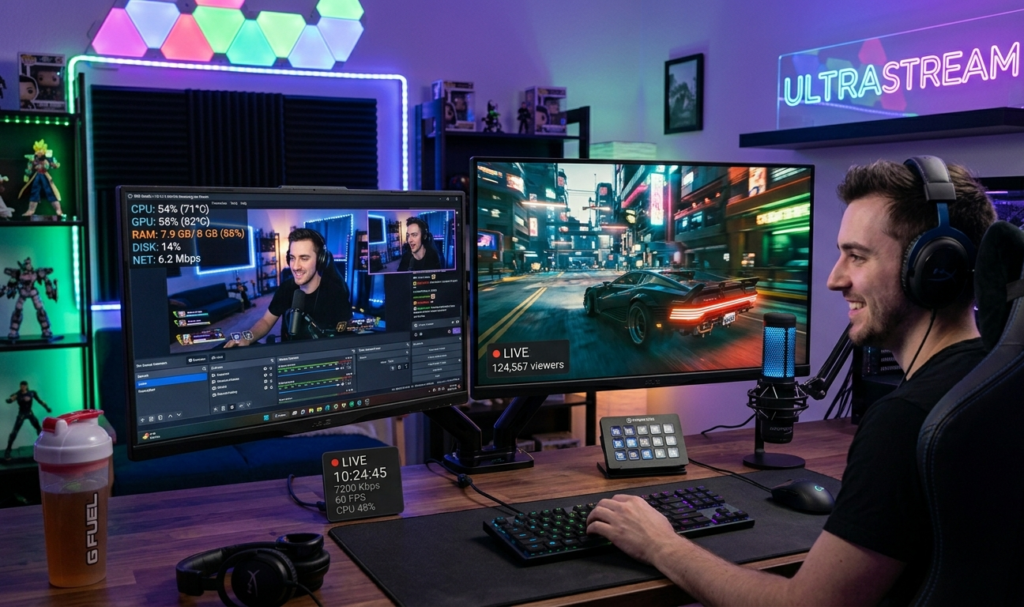
👉 CPU + GPU matter more than RAM
Example:
- Strong GPU + 8GB RAM → smooth
- Weak CPU + 16GB RAM → lag
Pro Tips (From Years of Experience)
These tips make a real difference:
✔ Use NVENC encoder
✔ Keep OBS updated
✔ Restart system before streaming
✔ Avoid recording + streaming together
✔ Limit overlays and plugins
Final Verdict
So, can you livestream with 8GB RAM on OBS?
👉 YES — but only with smart optimization
✔ Perfect for beginners
✔ Works with right settings
✔ Upgrade needed for serious streaming
From my experience Can I Livestream with 8GB RAM on OBS
👉 8GB = starting point
👉 16GB = smooth professional setup
FAQ – Can I Livestream with 8GB RAM on OBS?
Can OBS run on 8GB RAM?
Yes, OBS runs smoothly on 8GB RAM with optimized settings.
Can I stream at 1080p with 8GB RAM?
You can try, but 720p is recommended for smooth performance.
Does RAM affect streaming quality?
Yes, but CPU and GPU have a bigger impact.
What is the best OBS setting for 8GB RAM?
720p resolution, 30 FPS, and hardware encoder (NVENC).
Is 8GB RAM enough for gaming and streaming?
Only for light games. Heavy games require 16GB RAM.