
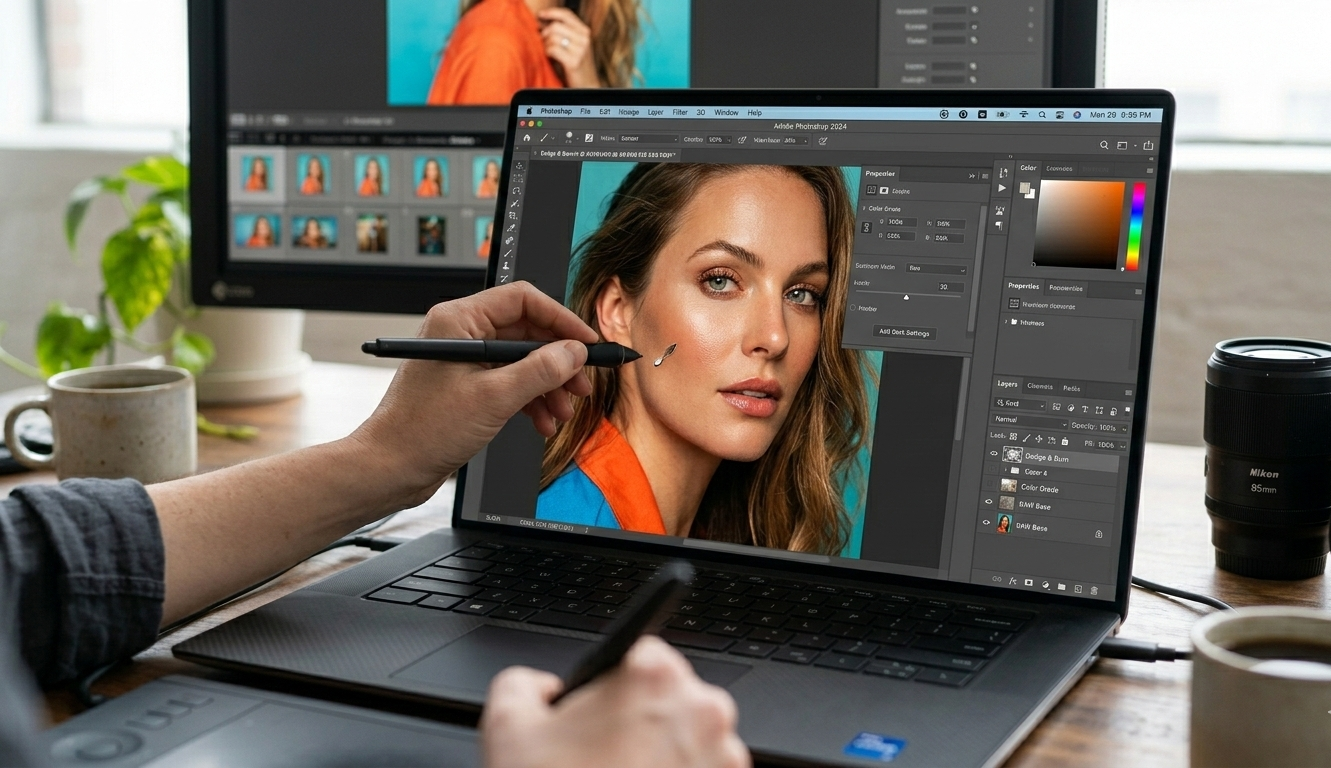
Best Laptop for Photo Editing (Expert Guide for 2026)
Choosing the best laptop for photo editing isn’t about buying the most expensive machine. It’s about choosing the right balance of display accuracy, processing power, storage speed, and thermal stability.
I’ve worked with photographers editing everything from 24MP wedding galleries to 100MP medium-format RAW files. I’ve seen budget laptops choke during exports, OLED screens mislead color grading, and “gaming laptops” fail professional retouching workflows.
In this guide, I’ll walk you through:
- What truly matters in a photo editing laptop
- The best laptops for photo editing in 2026 (US market)
- Real-world workflow insights
- Budget vs professional recommendations
- Buying mistakes to avoid
- FAQs photographers actually ask
This is not a generic list. This is based on hands-on workflow experience with Lightroom, Photoshop, Capture One, and large RAW catalogs.
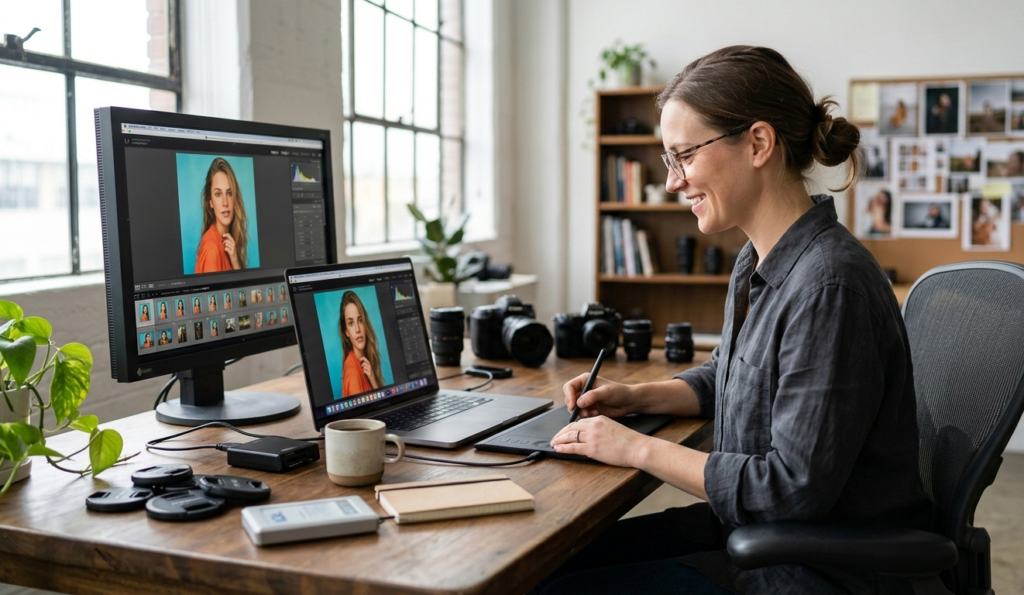
What Makes the Best Laptop for Photo Editing?
Photo editing stresses your system differently than gaming or office work.
Here’s what actually matters:
- Accurate display with strong color coverage
- Fast CPU for preview rendering and exports
- Enough RAM for multi-layer editing
- NVMe SSD for instant loading
- Stable thermals under long editing sessions
Let’s break this down properly.
Also read : How to Choose a Laptop: Expert Buying Guide 2026
1. Display Quality (The Most Important Factor)
If your screen isn’t accurate, your edits won’t be accurate.
I’ve seen photographers deliver prints that looked dull because they edited on a low-quality panel.
Minimum Display Requirements:
- IPS or high-quality OLED panel
- 100% sRGB coverage
- 300+ nits brightness
Ideal for Professionals:
- 100% DCI-P3 or AdobeRGB
- Factory-calibrated display
- 400–600 nits brightness
4K vs 1080p?
For professional work, 4K provides better detail and scaling flexibility. However, a high-quality 1080p IPS panel is better than a cheap 4K display.
Color accuracy > resolution.
2. CPU Performance (Speed Matters)
Lightroom and Photoshop are CPU-heavy applications.
Recommended in 2026:
- Intel Core i7 (13th/14th Gen or Ultra series)
- AMD Ryzen 7 (7000 series or newer)
- Apple M3 / M3 Pro chips
Batch exporting 500 RAW files can take 40% longer on an i5 compared to an i7. That time adds up professionally.
If you shoot events, weddings, or commercial campaigns — don’t cheap out on CPU.
3. RAM – The Real Sweet Spot
Many beginners ask:
“Is 8GB enough for photo editing?”
Technically yes. Practically no.
Minimum:
16GB RAM
Professional:
32GB RAM
Photoshop layers + Lightroom + browser tabs + plugins can easily push past 16GB during heavy sessions.
If your budget allows, go 32GB. It future-proofs your system.
4. Storage – NVMe SSD Is Mandatory
Editing high-resolution RAW files requires fast read/write speeds.
Recommended Setup:
- 1TB NVMe SSD internal
- External SSD for backups
Avoid HDD-based systems.
Slow storage = slow previews, slow exports, slow everything.
5. GPU – Do You Really Need One?
For photo editing (not video), GPU is helpful but not primary.
Photoshop uses GPU for:
- Camera Raw filters
- Blur effects
- AI features
A mid-range GPU like RTX 4050/4060 is more than enough.
If you’re purely editing photos, prioritize display and CPU over high-end GPU.
Best Laptop for Photo Editing – Top Picks (USA 2026)
Now let’s get into real recommendations available in the US market.
1. Apple MacBook Pro 14-inch (M3 Pro)
Best for professional photographers.
Why it stands out:
- Stunning Liquid Retina XDR display
- Exceptional color accuracy
- Incredible battery life
- Smooth Lightroom performance
If you edit professionally and want reliability, this is arguably the best laptop for photo editing overall.
Best for:
- Wedding photographers
- Commercial retouchers
- Studio professionals
2. Dell XPS 15 (Latest Model)
Best Windows laptop for color accuracy.
Highlights:
- 3.5K OLED or 4K display options
- Strong Intel Core i7/i9 processors
- Premium build quality
The OLED panel offers deep contrast, ideal for detailed retouching.
3. ASUS ProArt Studiobook
Built specifically for creators.
Why it’s impressive:
- Factory-calibrated display
- NVIDIA RTX graphics
- Excellent cooling
If you want a Windows machine designed for creative professionals, this is one of the strongest options.
4. HP Spectre x360 16
Best premium convertible for photographers.
Strong display and good performance balance. Ideal for photographers who want touchscreen flexibility.
5. Acer Swift X
Best budget laptop for photo editing.
- Ryzen 7 processor
- Dedicated RTX GPU
- Affordable price range
For under $1,200, it’s one of the best value options in the US.
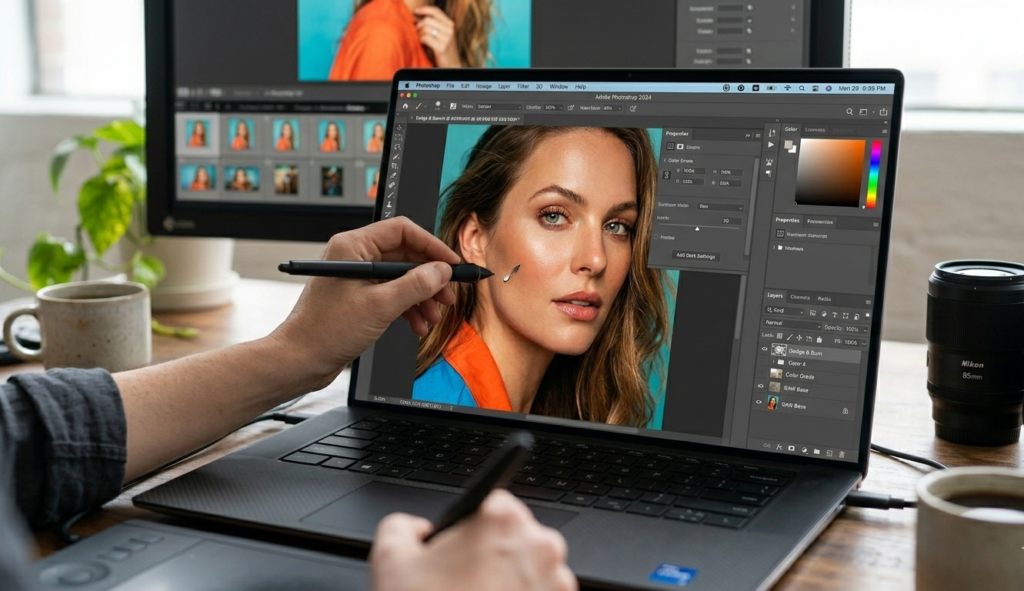
Real-World Workflow Advice (From Experience)
Here’s what years of editing taught me:
Thermal Stability Matters
Thin laptops look great, but during long exports they throttle performance.
A slightly thicker laptop with good cooling performs better over time.
Calibrate Your Display
Even the best laptop for photo editing needs calibration.
Use tools like:
- X-Rite
- Datacolor Spyder
Without calibration, even a 100% DCI-P3 panel can mislead you.
Don’t Ignore Battery vs Plugged Performance
Some laptops reduce performance on battery.
If editing seriously, work plugged in.
Common Buying Mistakes
❌ Buying based only on GPU
❌ Choosing 8GB RAM
❌ Ignoring color gamut
❌ Buying gaming laptops with poor panels
❌ Choosing 256GB storage
Avoid these and your workflow improves instantly.
Budget Recommendations (USA Pricing)
Under $1,200
- Ryzen 7
- 16GB RAM
- 512GB SSD
- IPS display
$1,200–$2,000
- i7 / Ryzen 7
- 16–32GB RAM
- 1TB SSD
- High color coverage display
$2,000+
- MacBook Pro M3 Pro
- Dell XPS OLED
- ASUS ProArt
Final Verdict: What Is the Best Laptop for Photo Editing?
If budget is not a concern:
👉 MacBook Pro 14 (M3 Pro)
If you prefer Windows:
👉 Dell XPS 15 or ASUS ProArt
If you’re on a tighter budget:
👉 Acer Swift X (Ryzen 7 configuration)
The true best laptop for photo editing is the one that balances:
- Color accuracy
- RAM capacity
- CPU speed
- Storage performance
- Thermal reliability
FAQs – Best Laptop for Photo Editing
1. Is 16GB RAM enough for photo editing?
Yes, 16GB is the sweet spot for most photographers. Professionals handling large RAW batches may benefit from 32GB.
2. Do I need a 4K display?
Not mandatory, but beneficial. Color accuracy matters more than resolution.
3. Is Mac better than Windows for photo editing?
Both are excellent. Macs offer superior display consistency, while Windows offers more hardware flexibility.
4. Is GPU important for photo editing?
Moderately. CPU and display matter more.
5. How much storage do photographers need?
At least 1TB SSD internally, plus external backup storage.