
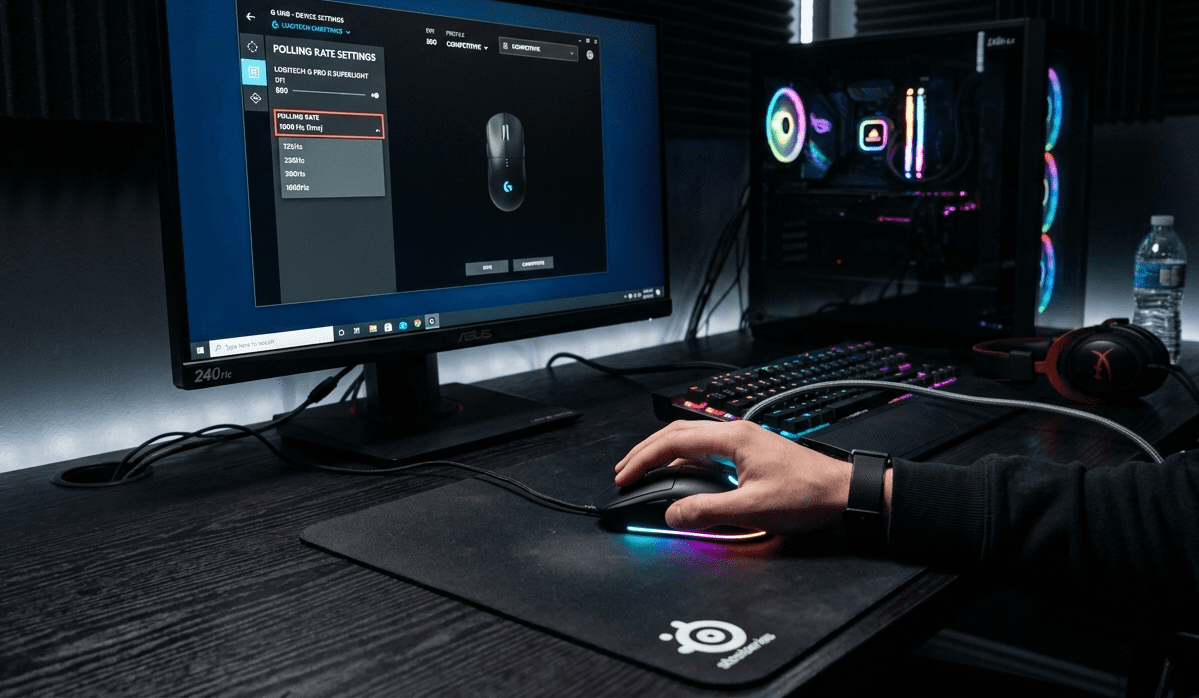
Best Mouse Polling Rate for Gaming (2026) Complete Expert Guide
When it comes to competitive gaming, even the smallest settings can make a massive difference. One of the most overlooked yet powerful settings is the mouse polling rate.
If you’re searching for the best mouse polling rate for gaming, you’re already ahead of most gamers. Over the years, while testing gaming mice across FPS titles like Valorant, CS2, and Warzone, I’ve realized that polling rate directly affects input responsiveness, smoothness, and precision.
But here’s the truth most guides won’t tell you:
👉 Higher polling rate is not always better.
In this expert-level guide, I’ll break down:
- What polling rate actually means
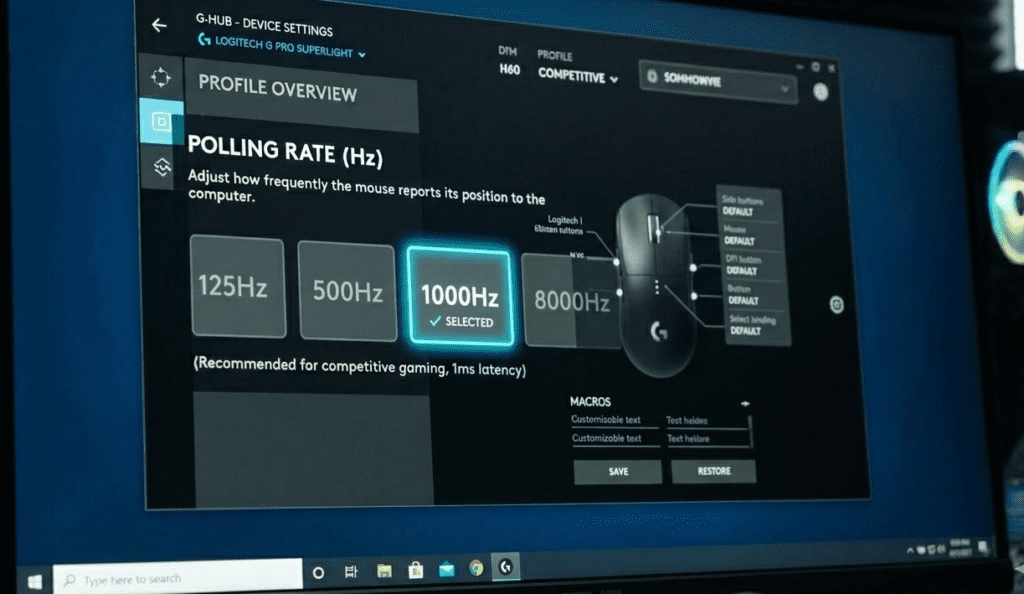
- 125Hz vs 500Hz vs 1000Hz vs 8000Hz comparison
- Real-world performance differences
- Best polling rate for different types of games
- Common mistakes gamers make
By the end, you’ll know exactly which polling rate setting is perfect for your setup.
What is Mouse Polling Rate?
Mouse polling rate refers to how often your mouse sends data to your computer per second.
For example:
- 125Hz → 125 times per second
- 500Hz → 500 times per second
- 1000Hz → 1000 times per second
This directly affects input delay (latency).
Simple Explanation:
- Higher polling rate = lower input lag
- Lower polling rate = higher input lag
Polling Rate vs Input Delay (Important Concept)
Polling rate impacts how quickly your movement is registered on screen.
Approximate input delay:
- 125Hz → ~8ms delay
- 500Hz → ~2ms delay
- 1000Hz → ~1ms delay
- 8000Hz → ~0.125ms delay
Even though the difference looks small, in competitive FPS gaming, milliseconds matter.
125Hz vs 500Hz vs 1000Hz vs 8000Hz
Let’s break this down based on real testing experience.
125Hz Polling Rate
Best for:
- Office use
- Casual browsing
Why it’s not good for gaming:
- High input lag
- Noticeable delay in fast movements
👉 I never recommend 125Hz for gaming.
500Hz Polling Rate
Best for:
- Entry-level gaming
- Older PCs
Pros:
- Lower CPU usage
- Stable performance
Cons:
- Slightly noticeable delay in competitive games
👉 Good, but not ideal for serious gamers.
1000Hz Polling Rate (Recommended)
This is the sweet spot.
Best for:
- FPS games
- Competitive gaming
- Most gaming setups
Pros:
- Very low latency (~1ms)
- Smooth tracking
- Works on almost all systems
👉 In my testing, 1000Hz provides the best balance between performance and stability.
8000Hz Polling Rate (Advanced)
Modern high-end mice now support 8000Hz.
Example mice:
- Razer Viper 8KHz Gaming Mouse
Pros:
- Ultra-low latency
- Extremely smooth tracking
Cons:
- High CPU usage
- Not noticeable for all users
- Requires high-end PC
👉 Only recommended for pro-level gamers with powerful systems.
My Real Experience Testing Polling Rates
After years of testing different gaming mice and setups, I noticed something interesting.
When switching from:
- 125Hz → 1000Hz → massive improvement
- 500Hz → 1000Hz → noticeable improvement
- 1000Hz → 8000Hz → minimal difference
Most gamers cannot feel the difference beyond 1000Hz, especially if:
- monitor is 60Hz–144Hz
- CPU is mid-range
However, on:
- 240Hz or 360Hz monitors
- high-end CPUs
You may notice smoother cursor tracking at 8000Hz.
Best Mouse Polling Rate for Gaming (Final Answer)
👉 For most gamers:
1000Hz is the best mouse polling rate for gaming
Why 1000Hz is Perfect
- Minimal input lag
- Stable performance
- Works on all systems
- No unnecessary CPU load
When to Use 8000Hz
Use 8000Hz only if:
- You have a high-end PC
- You play competitive FPS games
- You use a high refresh rate monitor (240Hz+)
When to Use 500Hz
Use 500Hz if:
- Your PC is older
- You experience stuttering at 1000Hz
Does Polling Rate Affect FPS?
Yes, but indirectly.
Higher polling rates:
- increase CPU usage
- can reduce FPS slightly on weaker systems
That’s why I always recommend testing your system before choosing 8000Hz.
Polling Rate vs DPI (Common Confusion)
Many gamers confuse polling rate with DPI.
Difference:
- DPI → sensitivity (how fast cursor moves)
- Polling Rate → responsiveness (how often data is sent)
👉 Both are important but serve different purposes.
How to Change Mouse Polling Rate
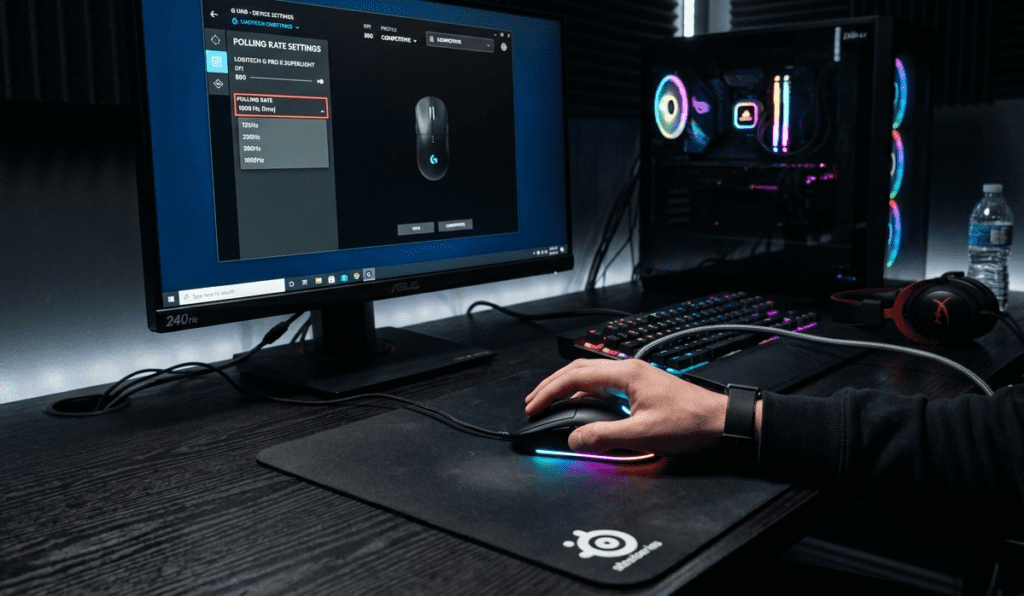
Most gaming mice allow you to adjust polling rate via software.
Example brands:
- Logitech
- Razer
- SteelSeries
Steps:
- Install mouse software
- Open settings
- Find polling rate option
- Set to 1000Hz (recommended)
Common Mistakes Gamers Make
1. Using 125Hz Without Knowing
Many users don’t change default settings.
👉 Always check your polling rate.
2. Choosing 8000Hz Without Proper Setup
This can cause:
- stuttering
- CPU spikes
- inconsistent performance
3. Ignoring System Limitations
Your CPU and monitor matter.
Does Polling Rate Really Matter?
Yes — but only up to a certain point.
From my experience:
- Upgrading from 125Hz to 1000Hz = huge difference
- Upgrading from 1000Hz to 8000Hz = small improvement
Focus more on:
- aim practice
- mouse sensor quality
- ergonomics
Best Setup for Competitive Gaming
For most gamers, ideal setup is:
- Polling Rate → 1000Hz
- DPI → 400–1600
- Monitor → 144Hz or higher
This combination provides smooth and responsive gameplay.
Final Verdict
The best mouse polling rate for gaming in 2026 is 1000Hz.
It offers:
- low latency
- smooth performance
- compatibility with all systems
While 8000Hz sounds impressive, it’s not necessary for most players.
👉 Focus on consistency, not just specs.
FAQ – Best Mouse Polling Rate for Gaming
What is the best polling rate for FPS games?
1000Hz is the best polling rate for FPS games as it provides low latency and smooth tracking.
Is 8000Hz better than 1000Hz?
Yes technically, but the difference is very small and only noticeable on high-end systems.
Does polling rate affect aim?
Yes, higher polling rates reduce input delay, improving responsiveness and aiming accuracy.
Can polling rate reduce FPS?
Yes, very high polling rates like 8000Hz can slightly reduce FPS on weaker systems.
Should I use 500Hz or 1000Hz?
1000Hz is recommended unless your system struggles with performance.